前面博文讲到过智谱AI大模型接入和SpringBoot SDK集成方法,可打开我前面的博文浏览,本篇博文讲解通过Open AI和Langchain等SDK使用智谱AI方法。
一、OpenAI SDK 使用
1.1安装 OpenAI SDK
需要确保使用的 Python 版本至少为 3.7.1, OpenAI SDK 版本不低于 1.0.0。
我的电脑上的Python是3.11版本,可以通过Anaconda或者Python官网来安装

安装好Python环境后再安装PyCharm社区版,详细安装方法笔者前面的博文有描述,可查看前面的博文。
安装好Python后,打开PyCharm终端,安装openai命令:
pip install openai
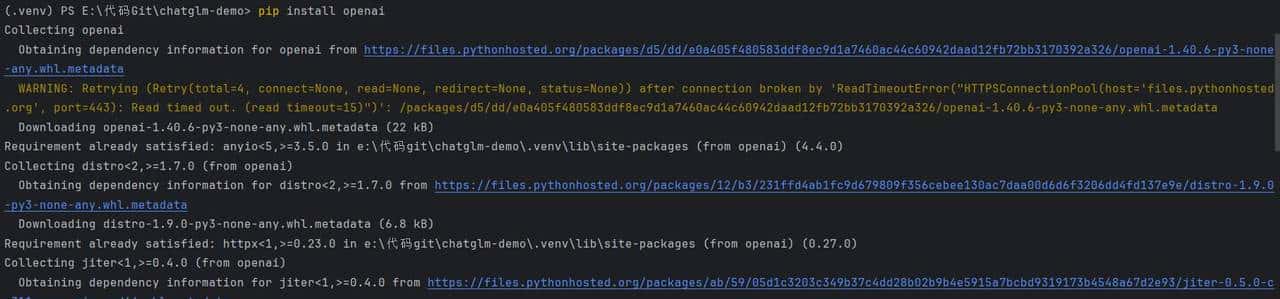
安装的openai版本是1.40.6,足够智谱模型使用了。
1.2使用 API Key 鉴权
创建 Client,使用我们在开放平台的API Key 鉴权,开放平台获取密钥地址:
https://open.bigmodel.cn/usercenter/apikeys
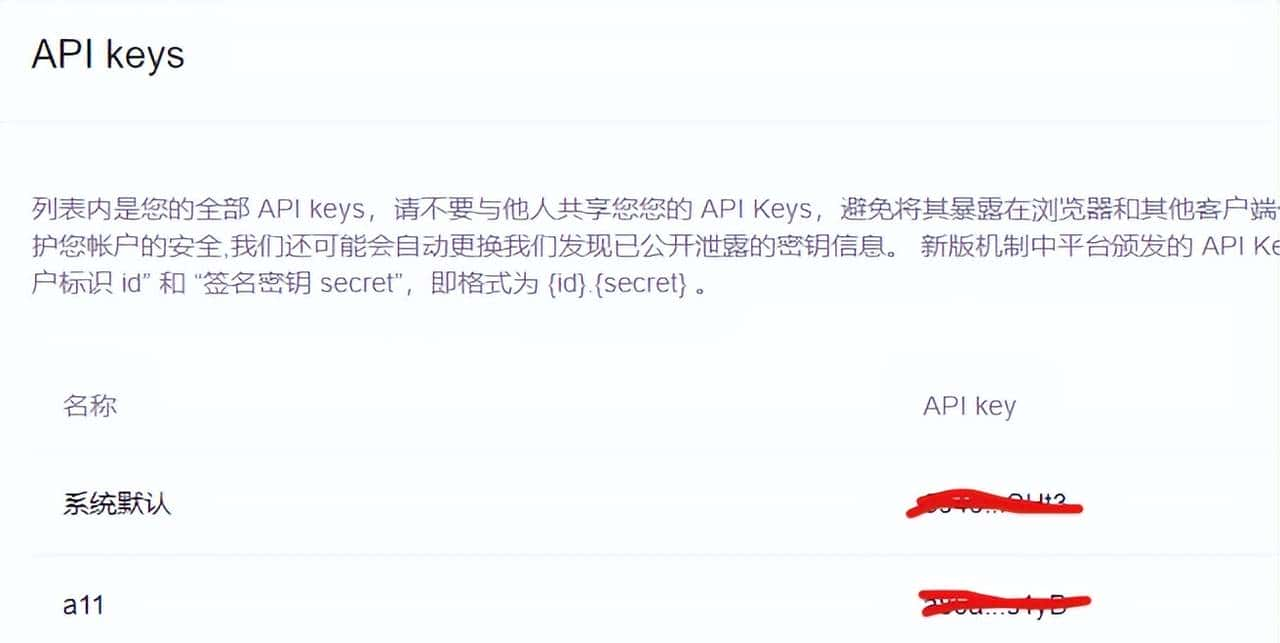
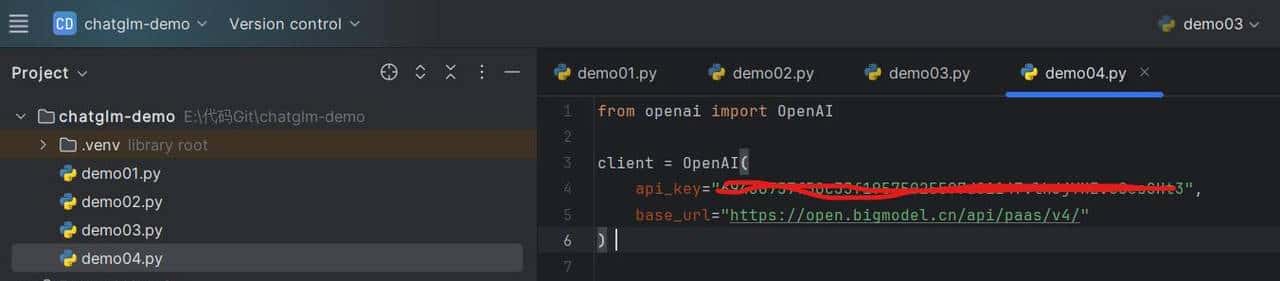
使用鉴权代码:
from openai import OpenAI
client = OpenAI(
api_key=”your api key”,
base_url=”https://open.bigmodel.cn/api/paas/v4/”
)
打开PyCharm编辑器新建demo04.py:
1.3对话代码示例
然后使用GLM-4的对话调用示例:
from openai import OpenAI
client = OpenAI(
api_key=”your zhipuai api key”,
base_url=”https://open.bigmodel.cn/api/paas/v4/”
)
completion = client.chat.completions.create(
model=”glm-4″,
messages=[
{“role”: “system”, “content”: “你是一个机智且富有创造力的小说作家”},
{“role”: “user”, “content”: “请你作为童话故事大王,写一篇短篇童话故事,故事的主题是要永远保持一颗善良的心,要能够激发儿童的学习兴趣和想象力,同时也能够协助儿童更好地理解和接受故事中所蕴含的道理和价值观。”}
],
top_p=0.7,
temperature=0.9
)
print(completion.choices[0].message)
打开PyCharm编写代码:
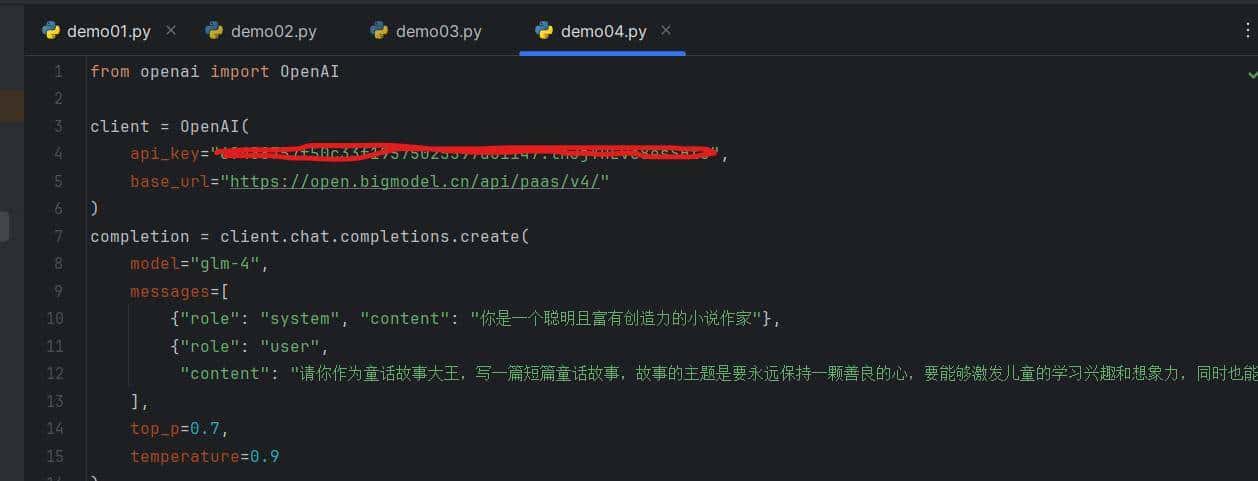
右键运行demo04.py:
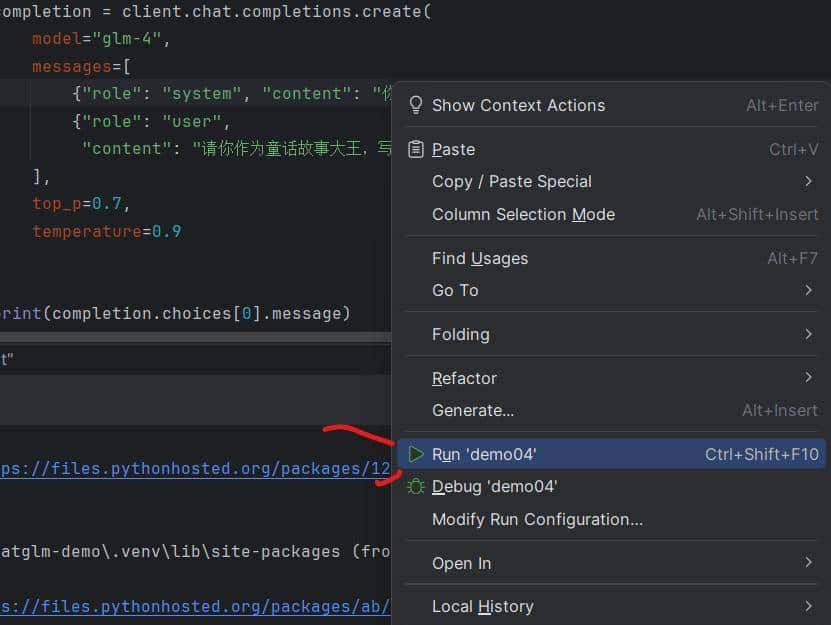
运行结果:

完成了OpenAI的调用示例
二、Langchain SDK 使用
2.1安装 Langchain SDK
第一需要安装 Langchain 和 对应的依赖包,请确保 langchain_community 的版本在 0.0.32 以上。
打开PyCharm终端安装命令:
pip install langchain langchainhub httpx_sse

2.2使用 Langchain ChatOpenAI
Langchain 的ChatOpenAI类是对 OpenAI SDK 的封装,可以更方便调用。这里展示了如何使用 ChatOpenAI 类来调用 GLM-4 模型。
第一安装:pip install langchain_openai

然后复制以下代码:
import os
from langchain_openai import ChatOpenAI
from langchain.prompts import (
ChatPromptTemplate,
MessagesPlaceholder,
SystemMessagePromptTemplate,
HumanMessagePromptTemplate,
)
from langchain.chains import LLMChain
from langchain.memory import ConversationBufferMemory
llm = ChatOpenAI(
temperature=0.95,
model=”glm-4″,
openai_api_key=”your zhipuai api key”,
openai_api_base=”https://open.bigmodel.cn/api/paas/v4/”
)
prompt = ChatPromptTemplate(
messages=[
SystemMessagePromptTemplate.from_template(
“You are a nice chatbot having a conversation with a human.”
),
MessagesPlaceholder(variable_name=”chat_history”),
HumanMessagePromptTemplate.from_template(“{question}”)
]
)
memory = ConversationBufferMemory(memory_key=”chat_history”, return_messages=True)
conversation = LLMChain(
llm=llm,
prompt=prompt,
verbose=True,
memory=memory
)
conversation.invoke({“question”: “tell me a joke”})
打开PyCharm新建demo05.py粘贴代码,替换自己的Api Key:
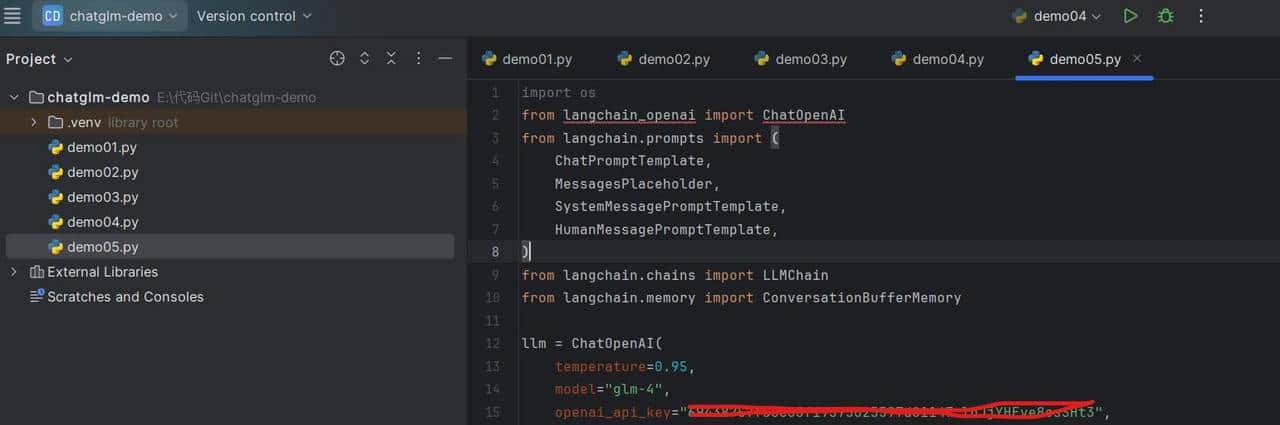
右键运行demo05.py:
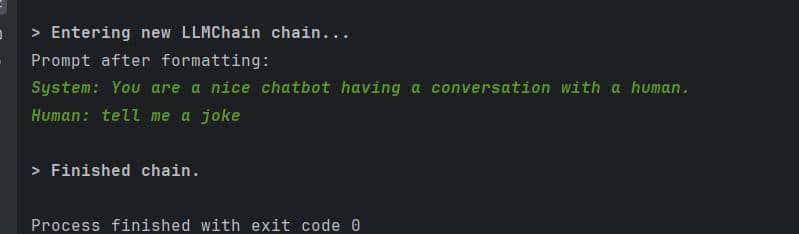
得到结果。
2.3使用 LangChain AgentExecutor
同时,GLM-4也能很好的接入到 Langchain 的 AgentExecutor 中, 这里展示了如何使用 AgentExecutor 来调用GLM-4 模型。
第一安装langchain_community:
pip install langchain_community
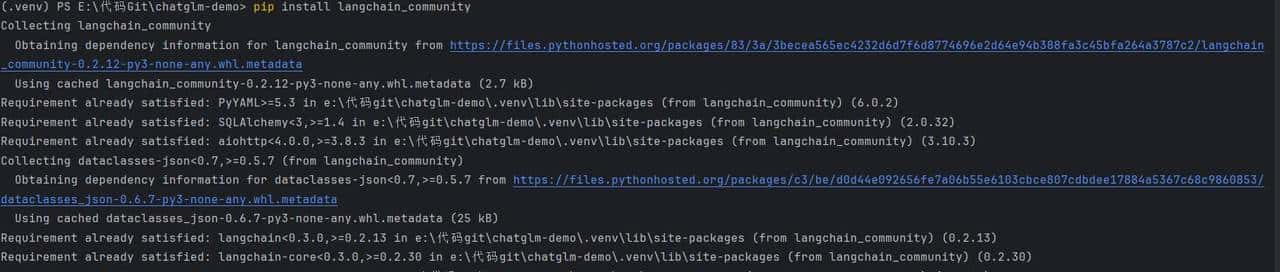
复制以下代码:
import os
from langchain import hub
from langchain.agents import AgentExecutor, create_react_agent
from langchain_community.tools.tavily_search import TavilySearchResults
os.environ[“TAVILY_API_KEY”] = “your tavily api key”
tools = [TavilySearchResults(max_results=2)]
prompt = hub.pull(“hwchase17/react”)
# Choose the LLM to use
agent = create_react_agent(llm, tools, prompt)
agent_executor = AgentExecutor(agent=agent, tools=tools, verbose=True)
agent_executor.invoke({“input”: “what is LangChain?”})
新建demo06.py粘贴代码,替换为自己ApiKey:
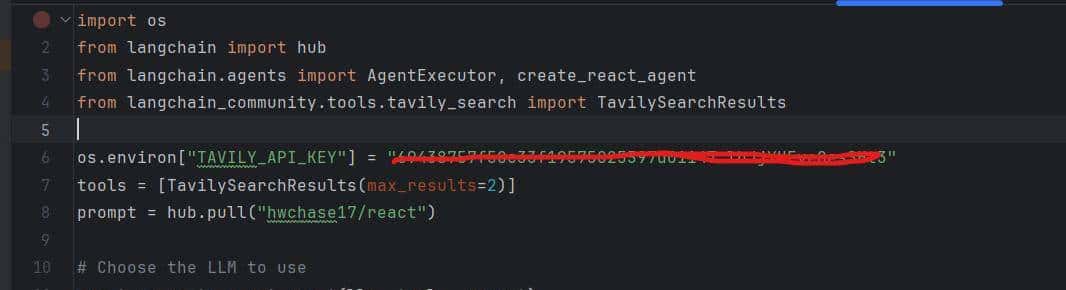
右键运行demo.py可以看结果。
本篇讲解了接入OpenAI和Langchain等三方SDK来使用智谱AI方法,供学习和参考。
© 版权声明
文章版权归作者所有,未经允许请勿转载。
相关文章




暂无评论...